
cloud · Windows
AdsPower Review 2026
Manage thousands of accounts from a single workspace
Spec sheet
ID/ADSP- Starting
- $9/mo
- Profiles
- Unlimited (paid)
- Free tier
- Yes
- Platforms
- Windows · macOS · Linux · Android · iOS
- Best for
- E-commerce sellers and agencies
The honest read on AdsPower.
AdsPower is the most-used anti-detect browser among multi-account operators on Amazon, Etsy, eBay, Facebook, and TikTok Shop. It pairs a fast native client with a cloud sync layer, so a team can hand off browser profiles without re-fingerprinting from scratch.
The killer feature is the built-in RPA — drag-and-drop automation that runs sequences across thousands of profiles without writing code. Combined with sub-account permissions and proxy auto-binding, it scales from solo operator to 50-seat marketing studio without changing tools.
Fig. 01 — adspower
Best for
E-commerce sellers and agencies
Categories
cloud · team · free
What ships in the box.
True browser fingerprints
Each profile ships with a complete, audited fingerprint — Canvas, WebGL, fonts, timezone, screen — generated from real-device distributions.
Team sharing & roles
Invite teammates, scope access by profile group, and revoke instantly. Activity logs make hand-offs traceable.
Built-in RPA
Visual automation builder runs across all profiles in parallel. Schedule warm-ups, posts, and account checks without code. Parallel runs chew through traffic quickly, so teams running RPA at scale usually move to unlimited residential proxies once per-GB billing becomes the bottleneck.
Cloud profile sync
Profiles are encrypted and synced across devices, so the same fingerprint loads identically from any workstation.
Multi-environment isolation
Each profile runs in its own sandboxed Chromium instance — cookies, local storage, and IndexedDB never leak between sessions. Low-risk QA and scraping profiles can sit on cheaper datacenter proxies while your revenue accounts stay on residential IPs.
Open API
Spin profiles up and down from your own scripts. Selenium, Puppeteer, and Playwright drivers are all supported. For high-volume registration and verification passes, IPv6 proxies give you a far larger address pool per dollar than IPv4.
What each tier actually unlocks.
Pricing as published by the vendor. Always confirm with AdsPower before purchase — plans evolve.
USD · Per seat / month
Tier 03 · Business
from $48.80/mo
- 200+ profiles
- Sub-accounts & roles
- Full RPA + API
- Priority support
Up and running in minutes.
The minimum sequence to get a working AdsPower profile bound to a fresh proxy and verified.
- 01
Step 01 of 04
Install AdsPower
Download the desktop client and sign in. Pick a workspace name — it becomes your team's hub.
- 02
Step 02 of 04
Create your first profile
Click 'New Profile', give it a name, and let AdsPower auto-generate a fresh fingerprint.
- 03
Step 03 of 04
Bind a proxy
Paste residential proxy or mobile credentials into the proxy slot. AdsPower validates the IP and timezone match before launch. Accounts that must keep the same exit IP for weeks are steadier on ISP proxies.
- 04
Step 04 of 04
Launch and verify
Open the profile and visit a fingerprint scanner like creepjs or browserleaks. Confirm the fingerprint matches the proxy's region.
AdsPower works best with these.
The browser fakes the device. The proxy fakes the network. Pair the right ones and your accounts stay separated; mix and match badly, and platforms stitch the profiles back together.
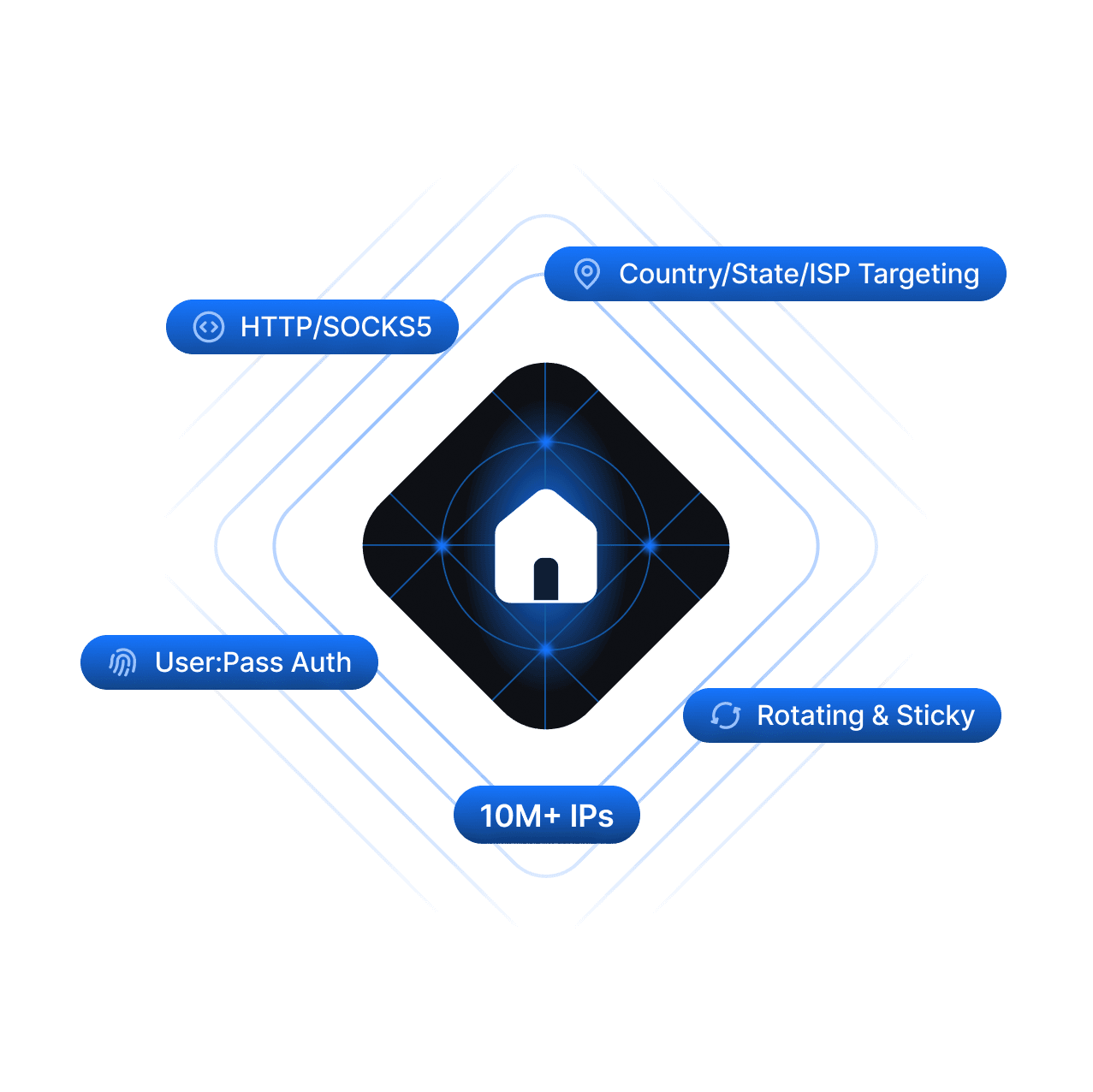
Residential Proxies
20M+ real home IPs with city + ISP targeting.
Plans & pricing
Explore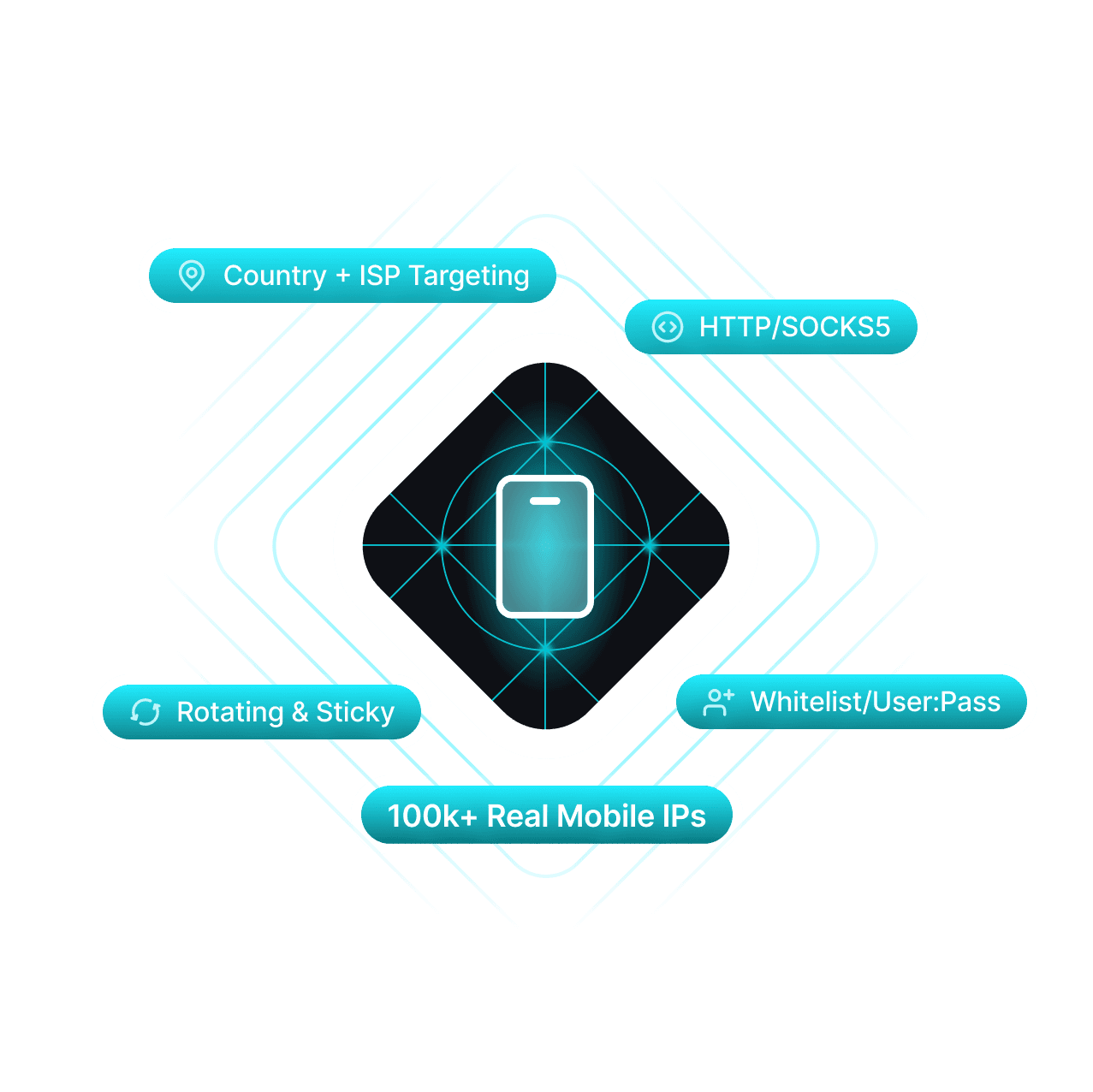
Mobile Proxies
5G/4G/LTE IPs across 500k+ devices worldwide.
Plans & pricing
Explore
ISP Proxies
Datacenter speed with residential trust.
Plans & pricing
ExploreQuestions about AdsPower.
Things readers ask before they pull the trigger. Missing one? Ping us and we'll add it.
Yes — the Free plan gives you 2 profiles forever, with full fingerprint isolation. Paid plans unlock cloud sync, RPA, and team roles.